
Canva Templates Just For You!
Welcome to our Canva templates for Gift Cards, Membership Cards, and Loyalty Cards!
Browse a range of professionally designed templates, each thoughtfully laid out with practical use in mind. Our Canva templates cover a wide range of uses, helping you build a strong connection between your brand and your customers. We’ve included options to suit common card features like barcodes, signature panels, magnetic strips, and variable data. All templates are fully customisable and easy to use with your Canva account. Happy designing!
Gift Card Templates
Perfect for retailers, restaurants, and service-based businesses. A custom gift card not only drives sales but also strengthens your brand presence.
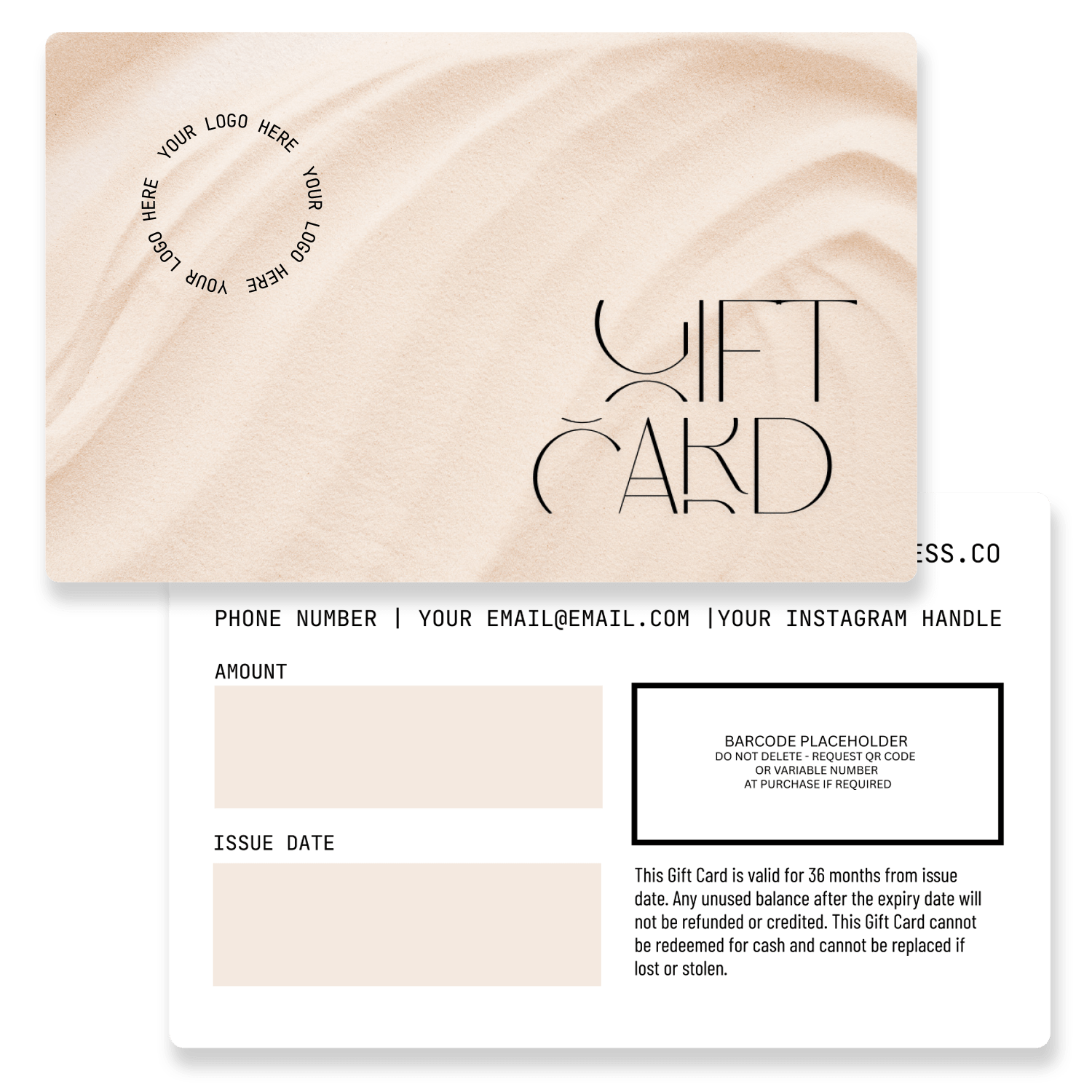
Clean Gift Card
Click for access to Canva Template
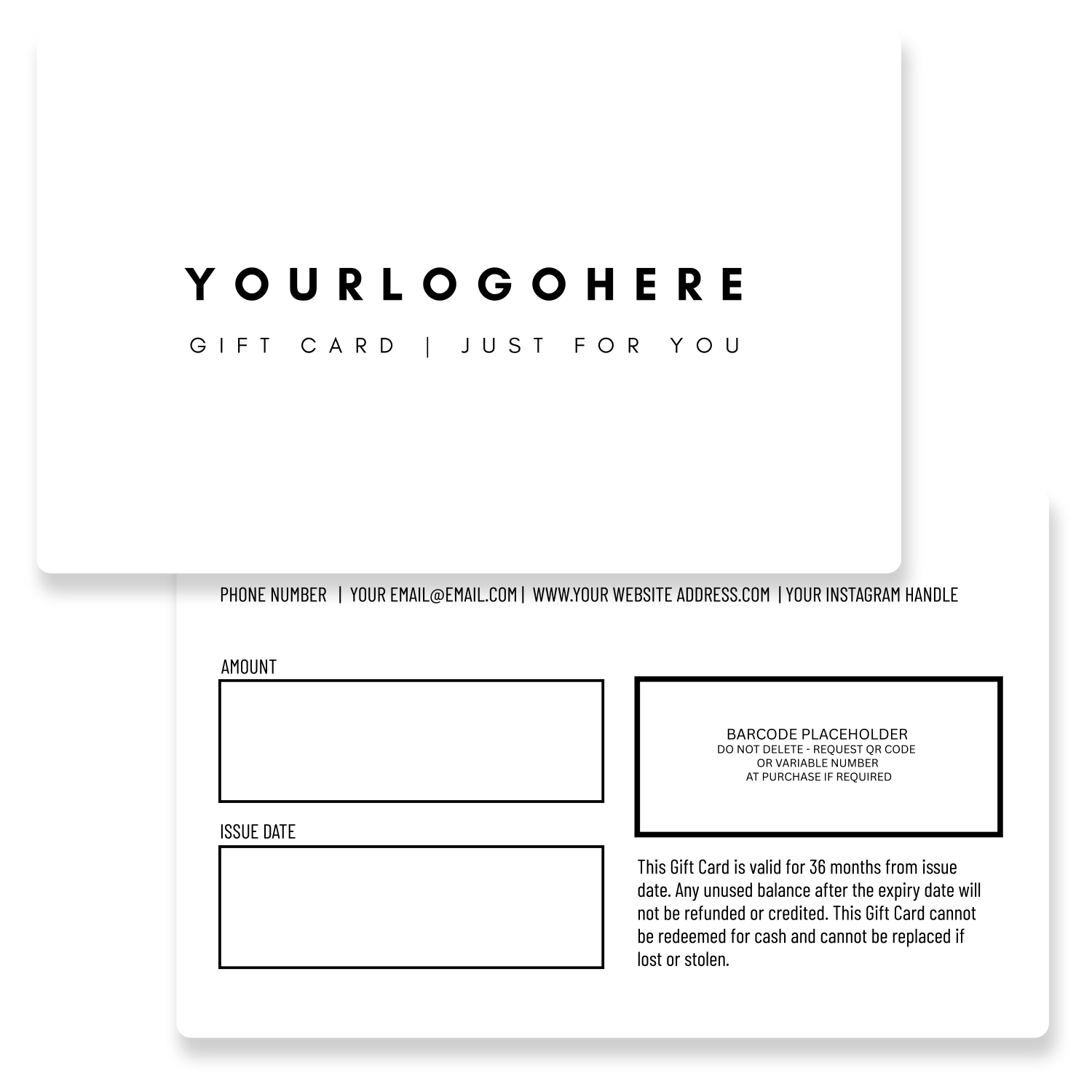
Simple Style Gift Card
Click for access to Canva Template
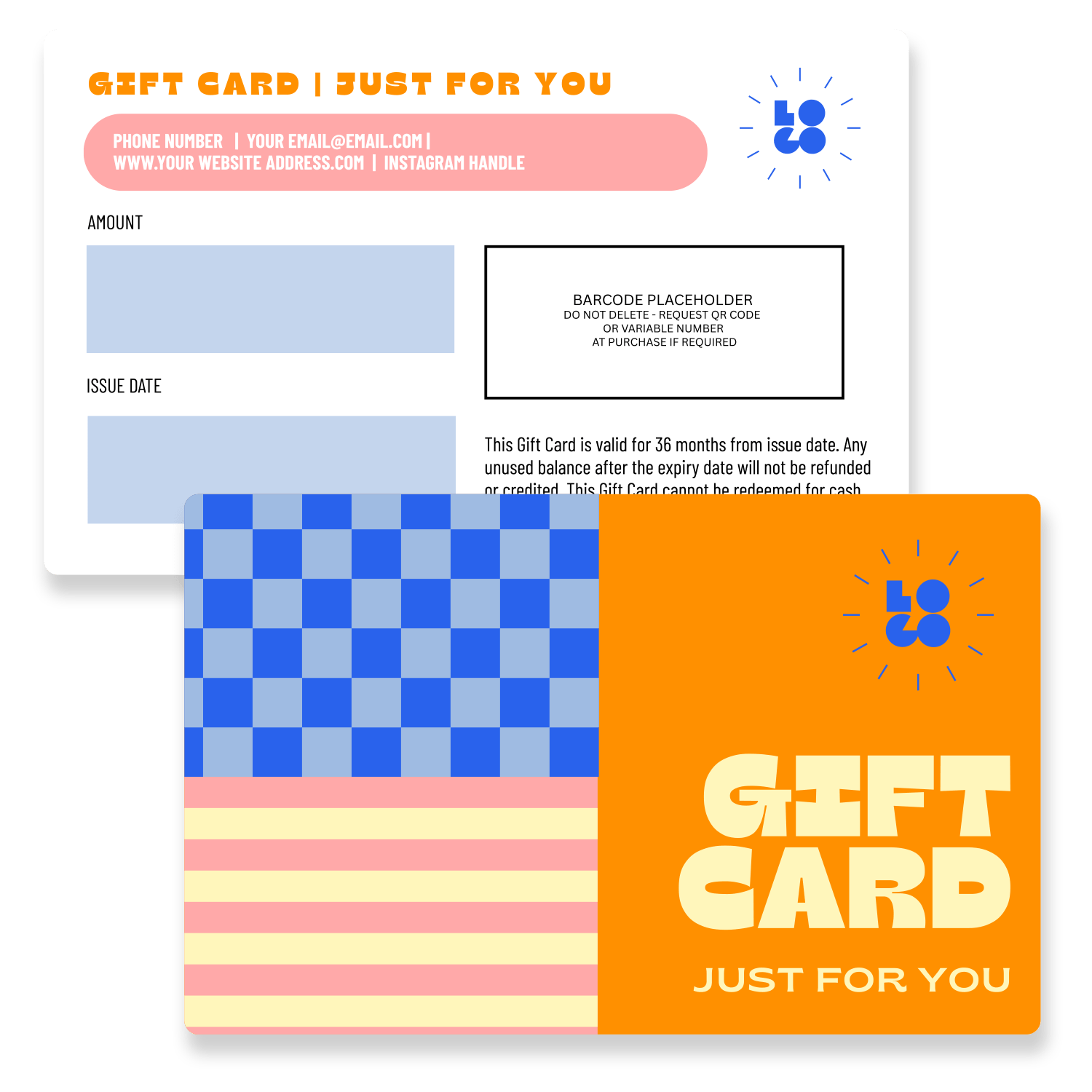
Brightly Bold
Click for access to Canva Template
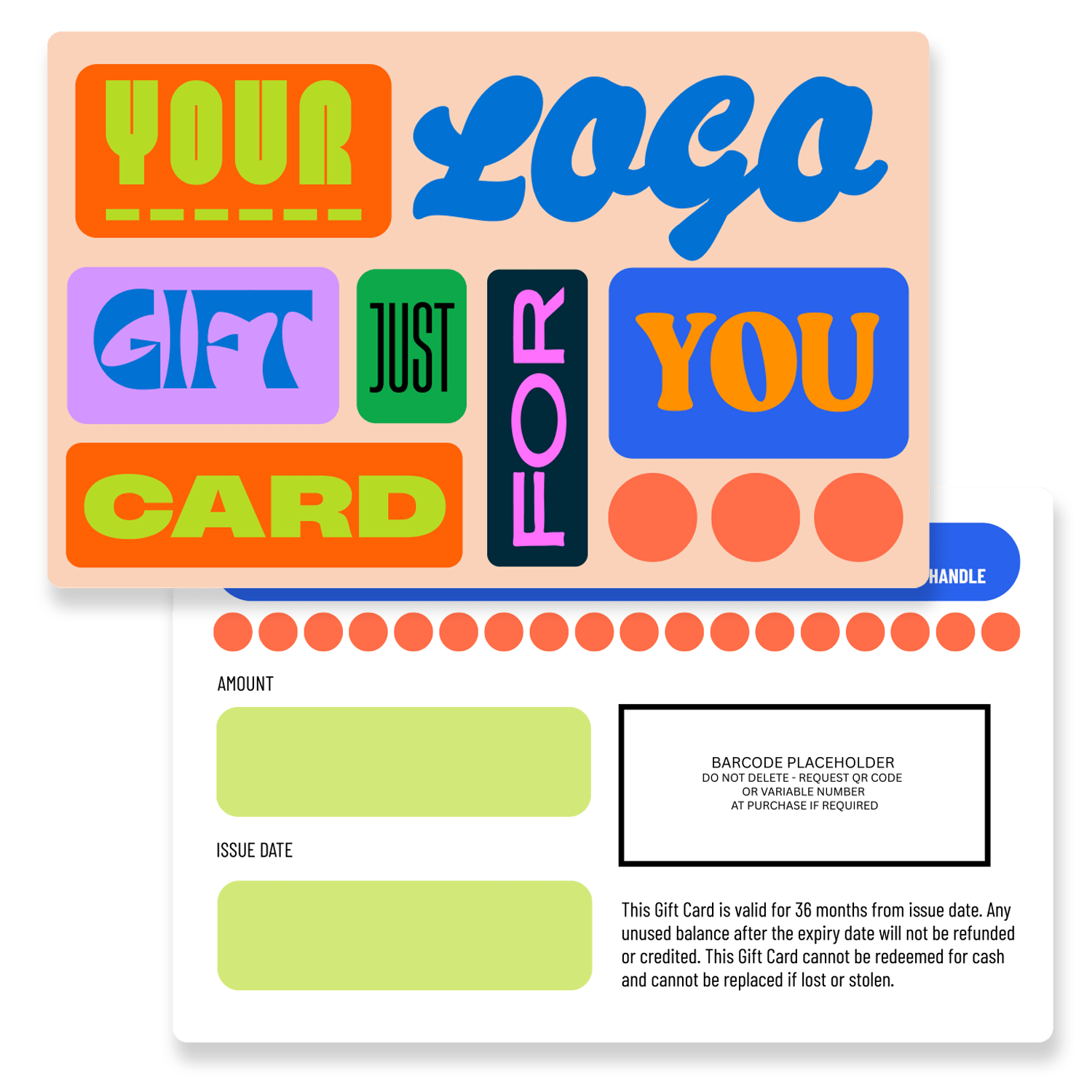
Bubblegum Gift Card
Click for access to Canva Template
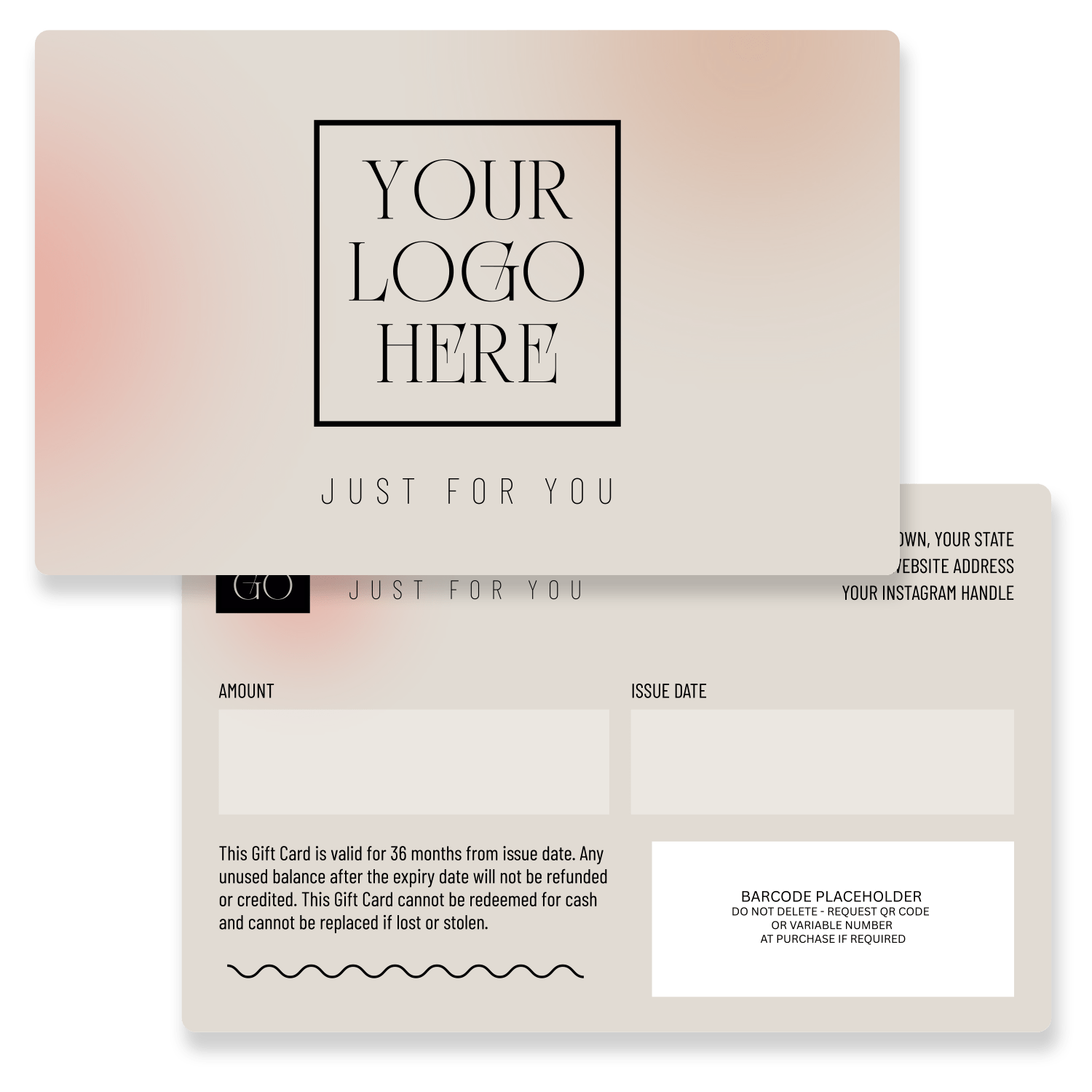
Soft Beauty Gift Card
Click for access to Canva Template
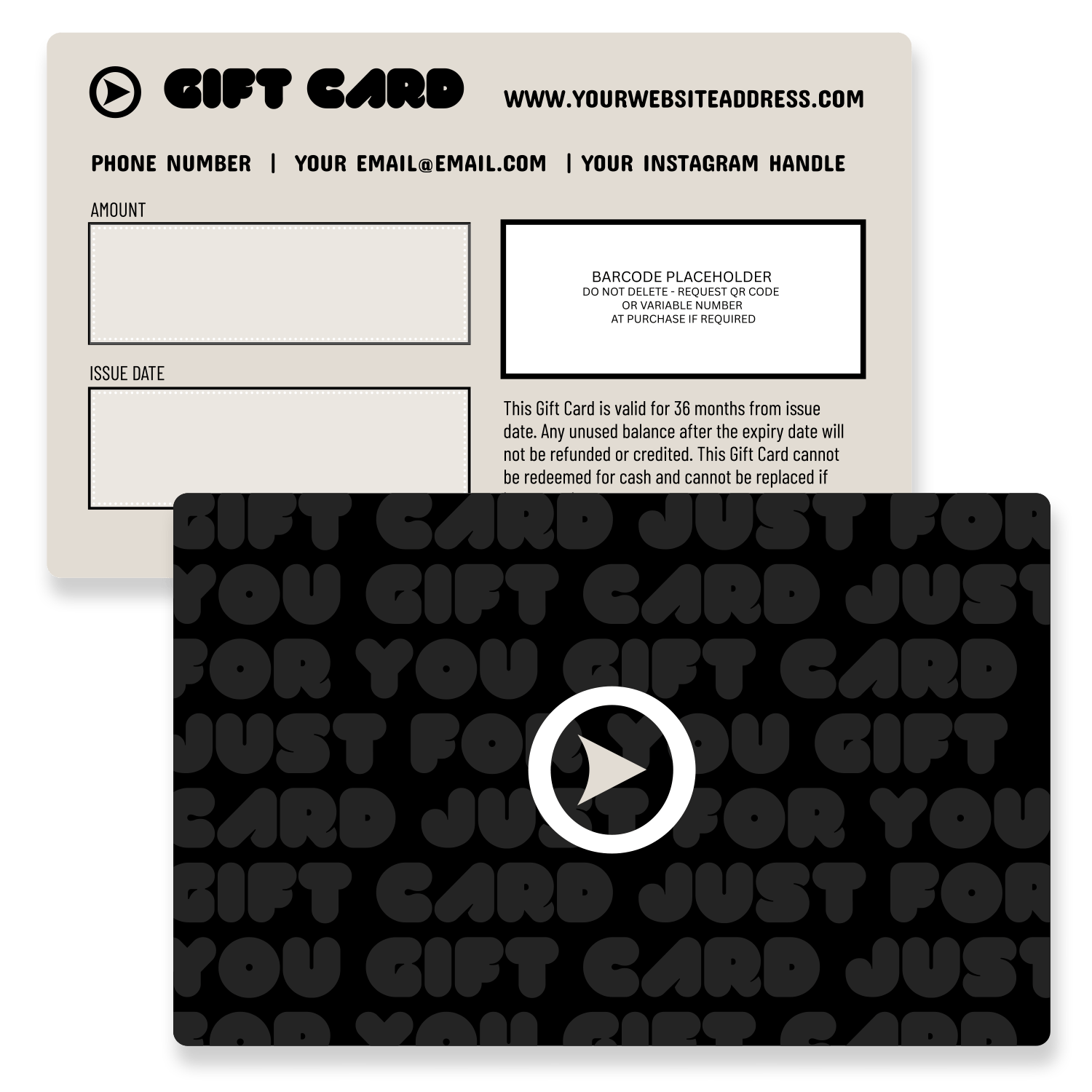
Black Night
Click for access to Canva Template
Membership Card Templates
From gyms and yoga studios to social clubs and loyalty programs, a personalised membership card creates a sense of belonging while keeping your brand front and centre.
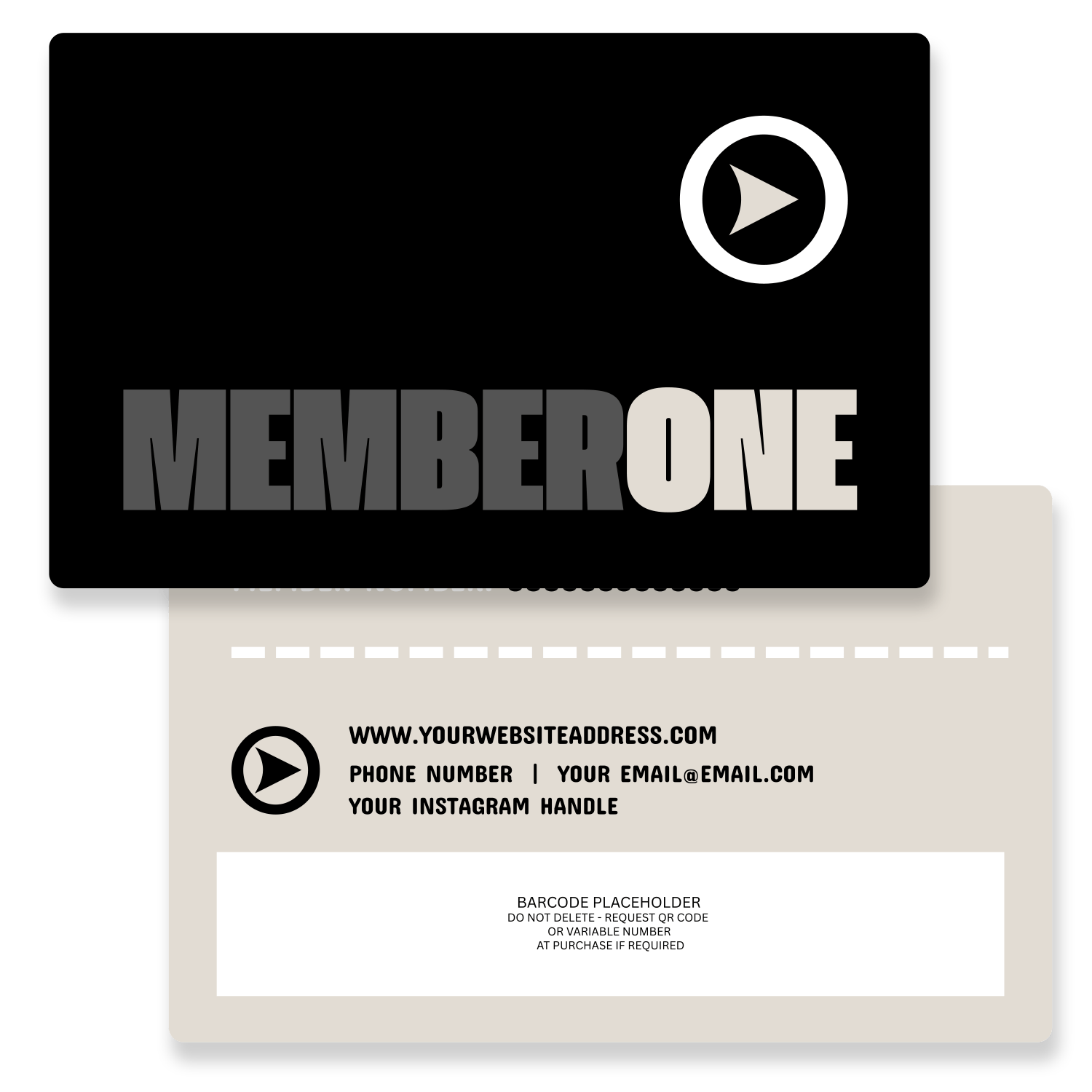
Barcode Membership Card
Click for access to Canva Template
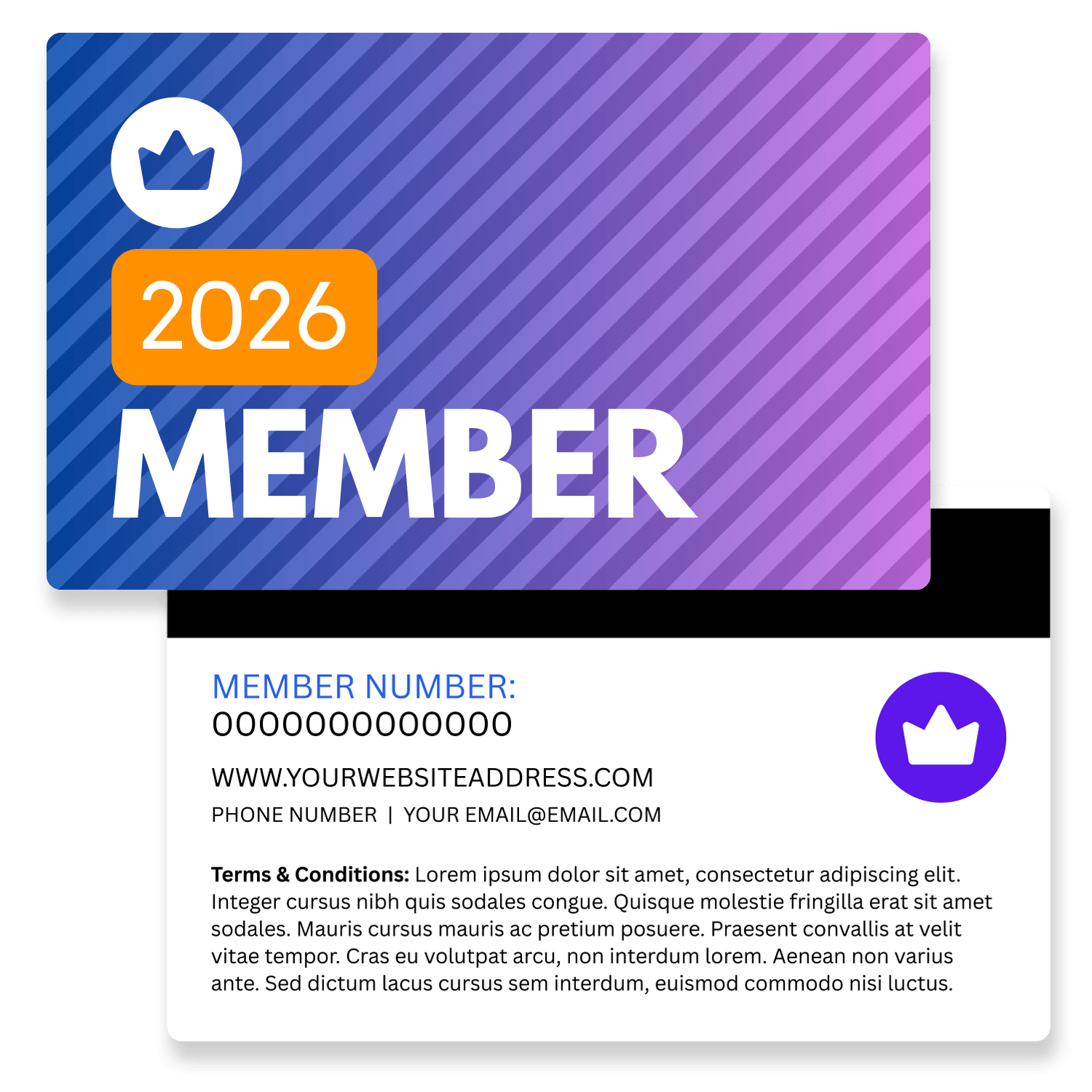
Magnetic Membership Card
Click for access to Canva Template
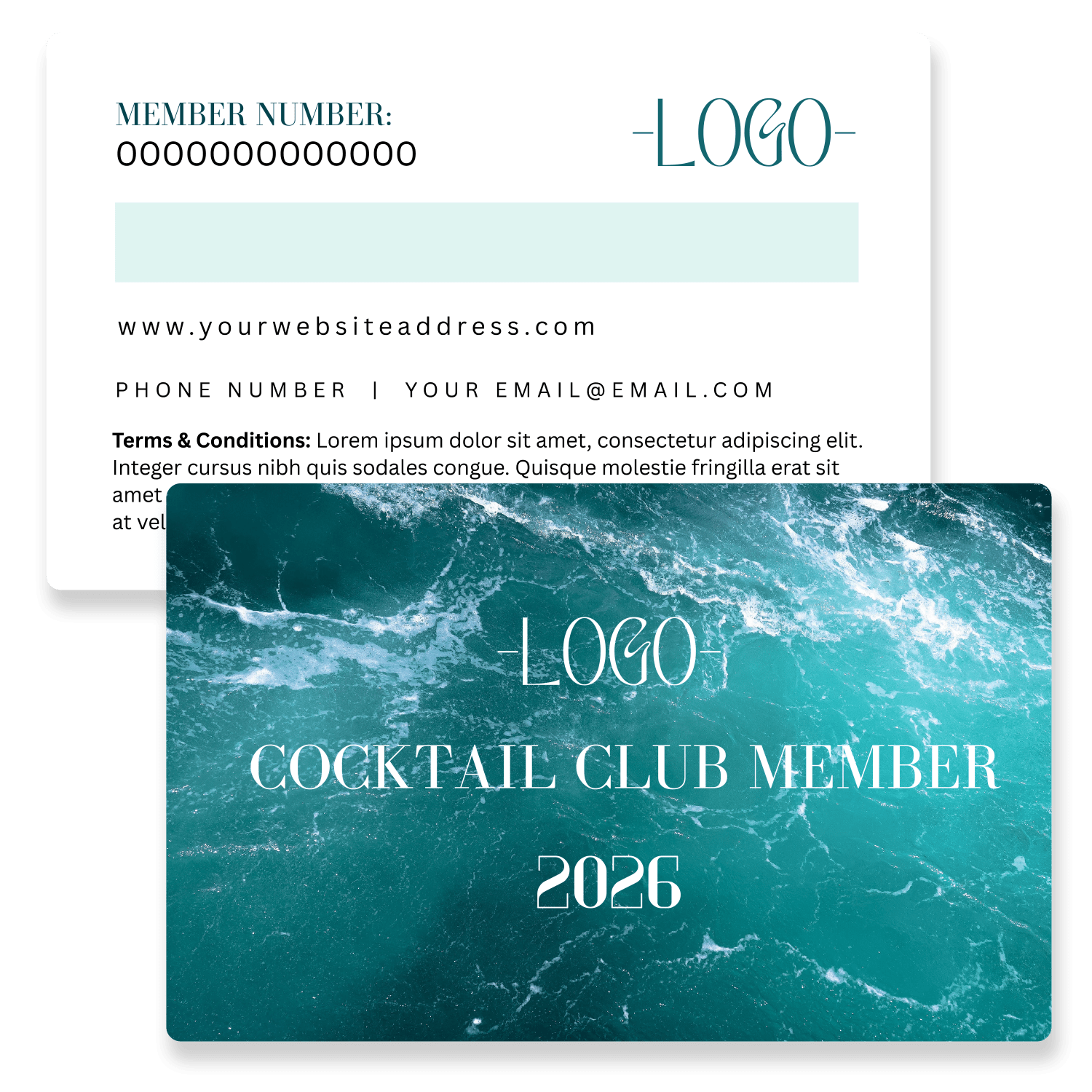
Writing Panel Membership Card
Click for access to Canva Template
Why Use Canva Templates for Plastic Cards?
Not everyone has access to professional design software, but almost everyone can use Canva. It’s simple, intuitive, and makes it possible to create polished plastic card designs without needing years of design experience. Whether you’re working on gift cards, loyalty programs, or membership cards, Canva gives you the flexibility to create a layout that suits your brand’s unique needs.
By starting with one of our ready-to-use templates, you can save time while still producing professional results. Canva ensures that your designs are consistent, visually appealing, and easy to adapt for future updates.
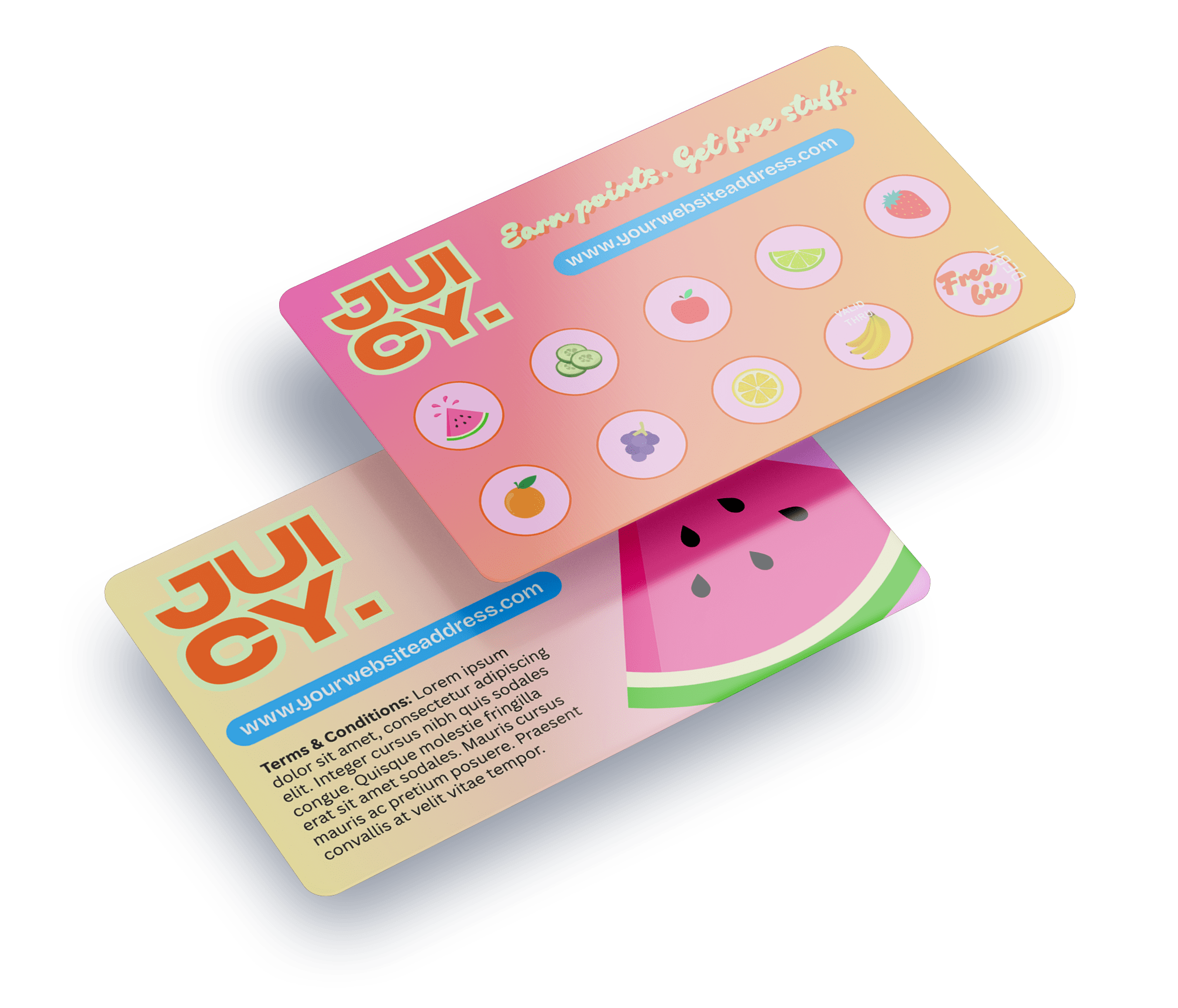
Loyalty/Reward Card Templates
Build customer loyalty and encourage repeat visits. Personalised loyalty cards make your customers feel valued while keeping your brand top of mind.
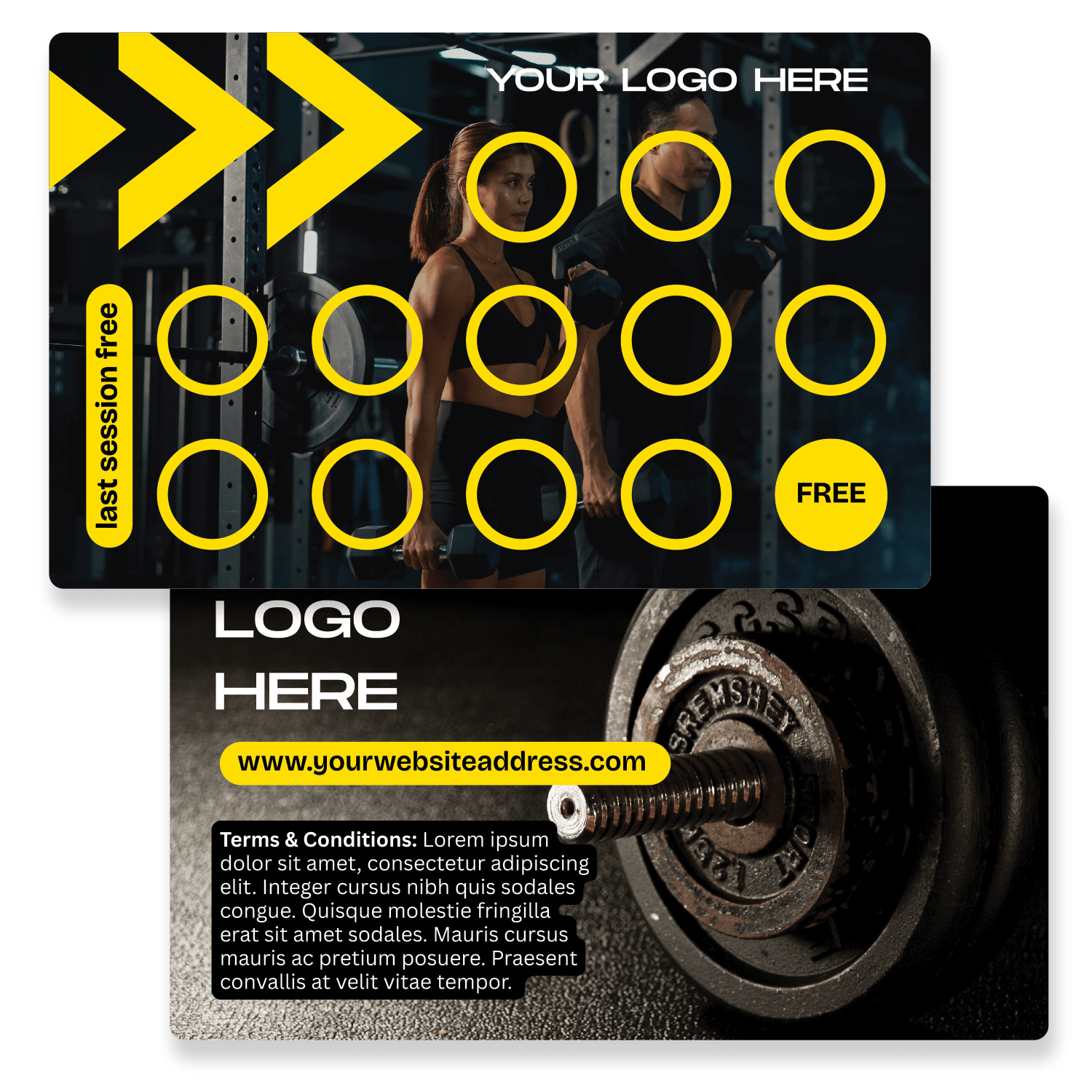
Gym Rewards Card
Click for access to Canva Template
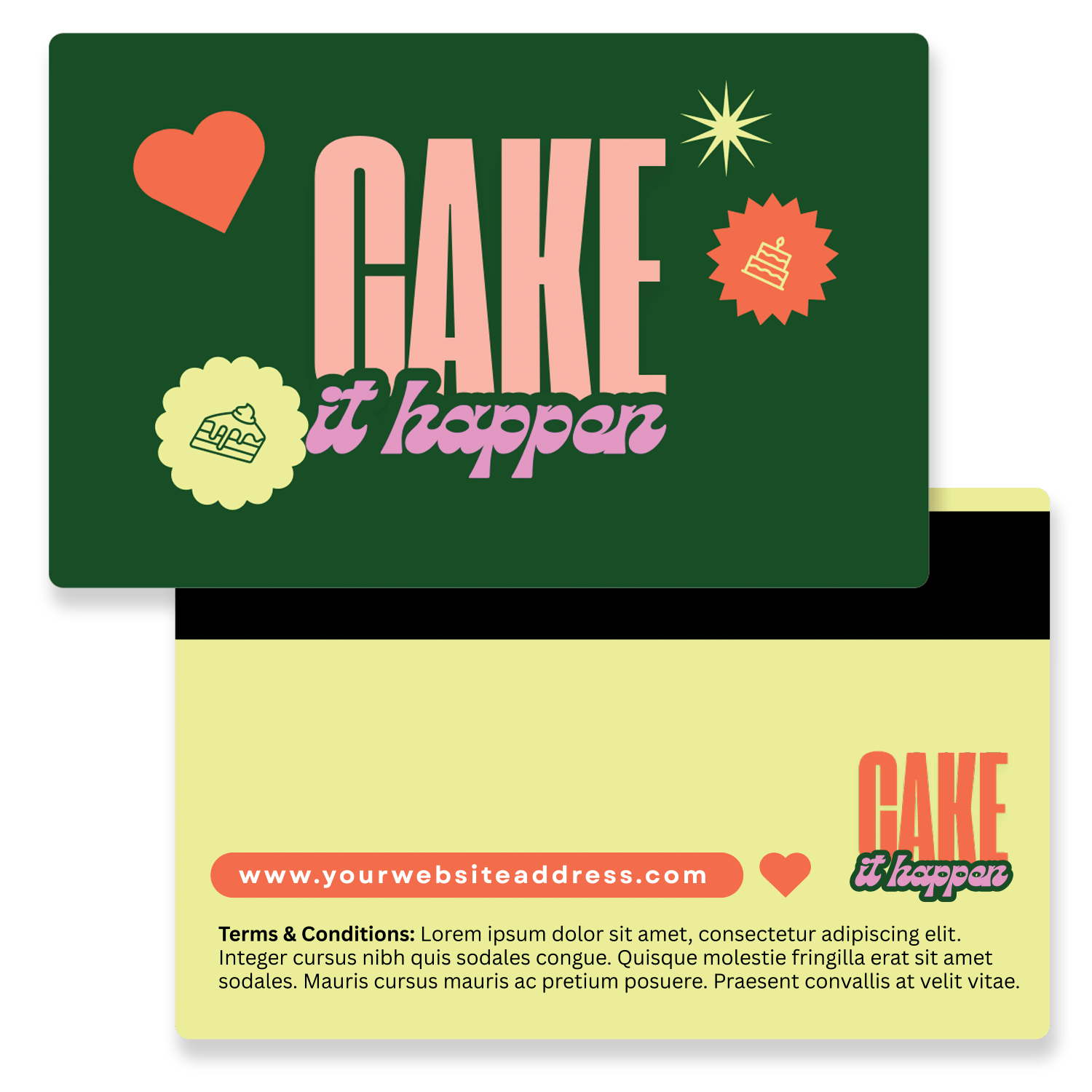
Yummy Rewards Card
Click for access to Canva Template

Loyalty Card
Click for access to Canva Template
Appointment Card Templates
Make scheduling simple for your clients and team with these well considered template designs. Custom appointment cards keep your calendar organised while adding a professional touch that reinforces your brand with every visit.
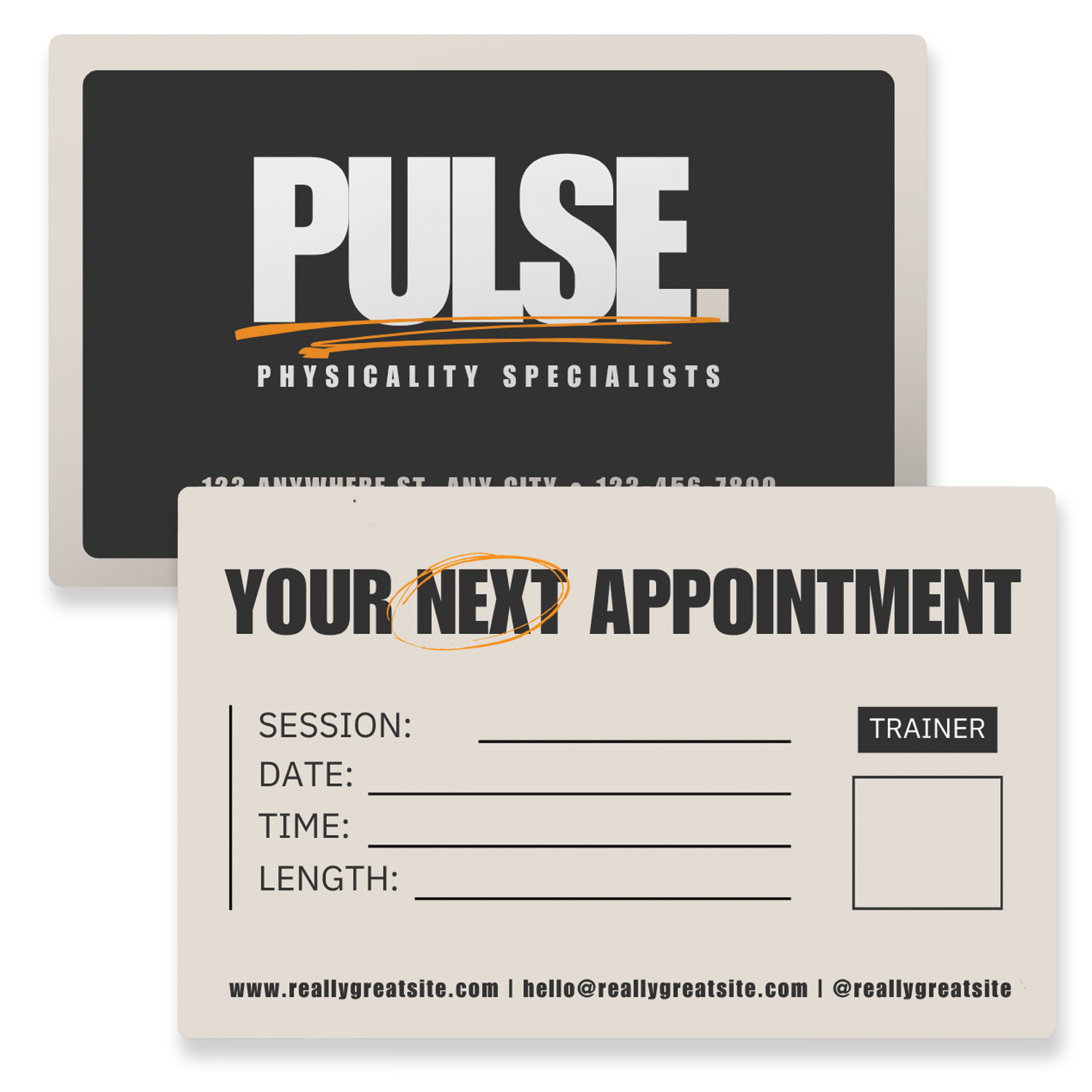
Modern Bold Appointment Card
Click for access to Canva Template
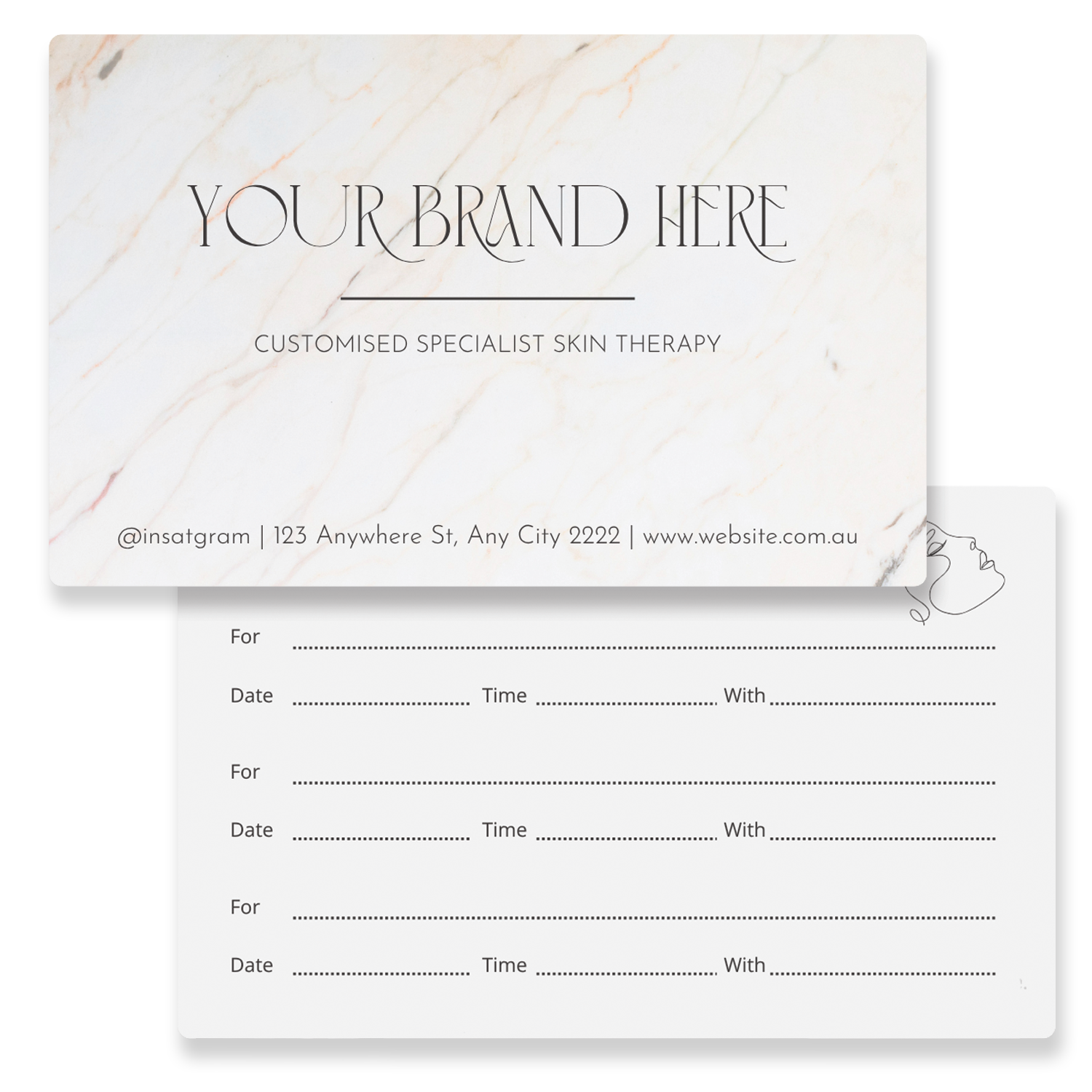
Elegant Appointment Card
Click for access to Canva Template
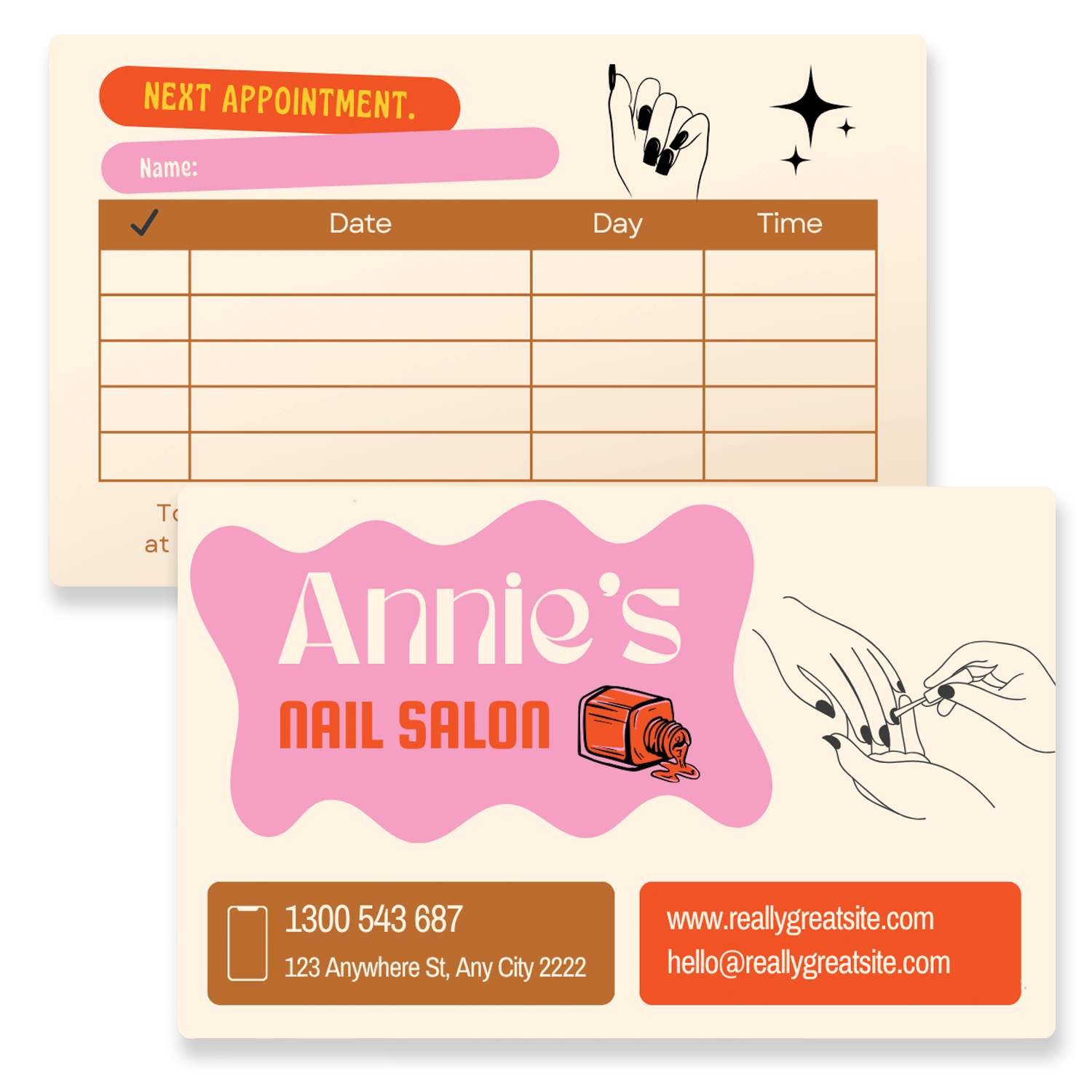
Rainbow Nails Appointment Card
Click for access to Canva Template
Bar Tab Card Templates
Make managing tabs easy for your patrons and staff. Custom bar tab cards streamline the process while adding a professional touch to your venue and champion your brand.

Darkest Bar Tab Card
Click for access to Canva Template
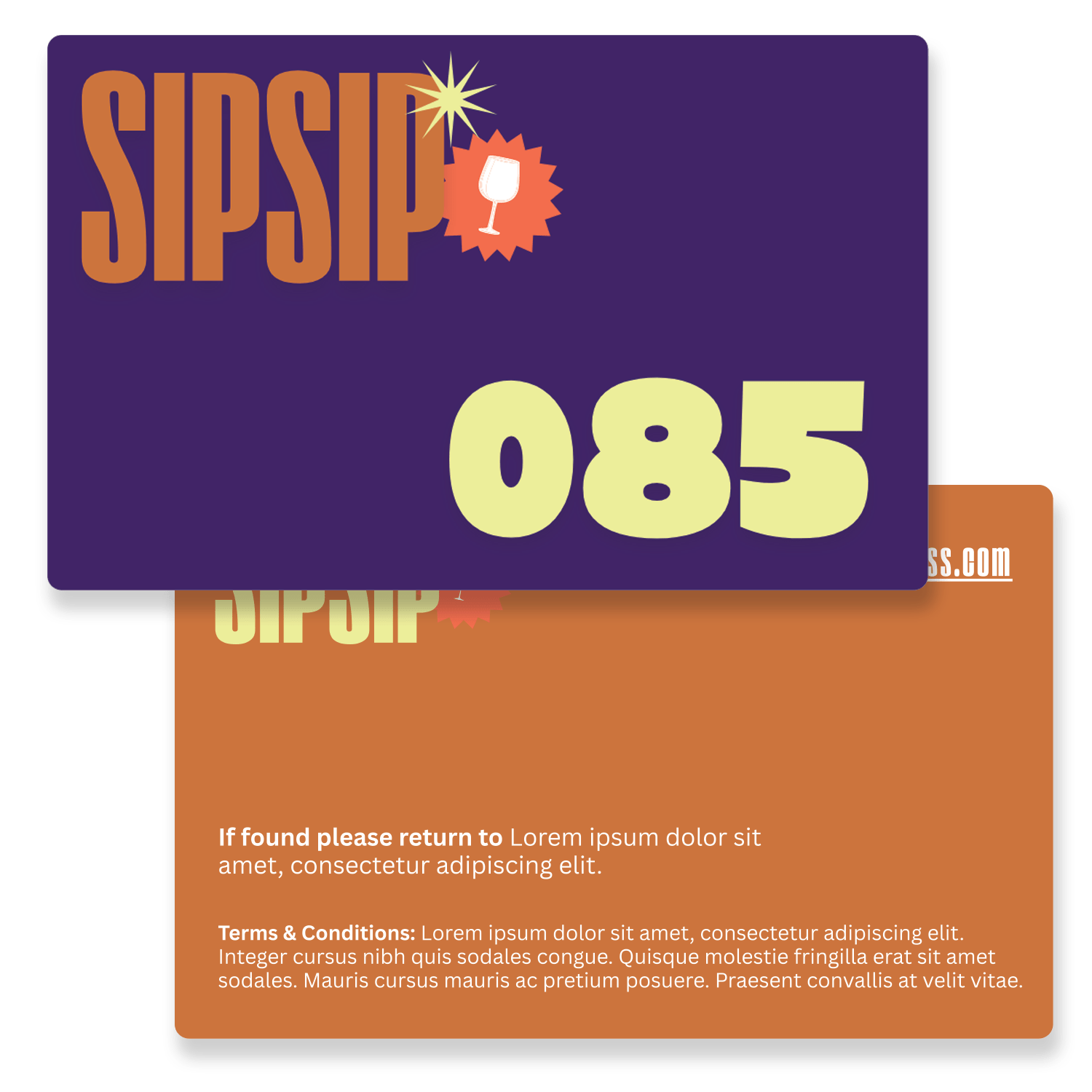
Sip Sip Bar Tab Card
Click for access to Canva Template
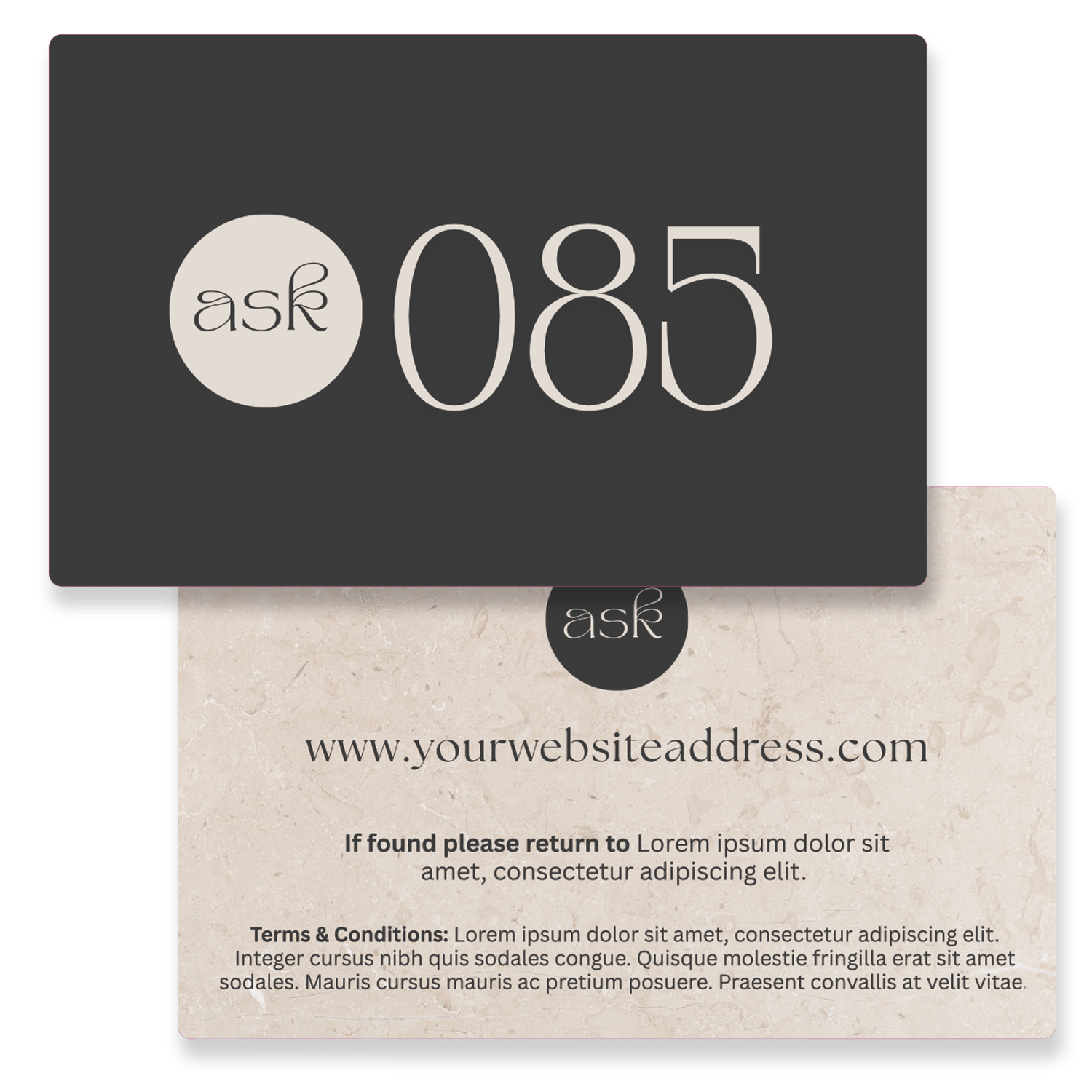
Classy Bar Tab Card
Click for access to Canva Template
Business Card Templates
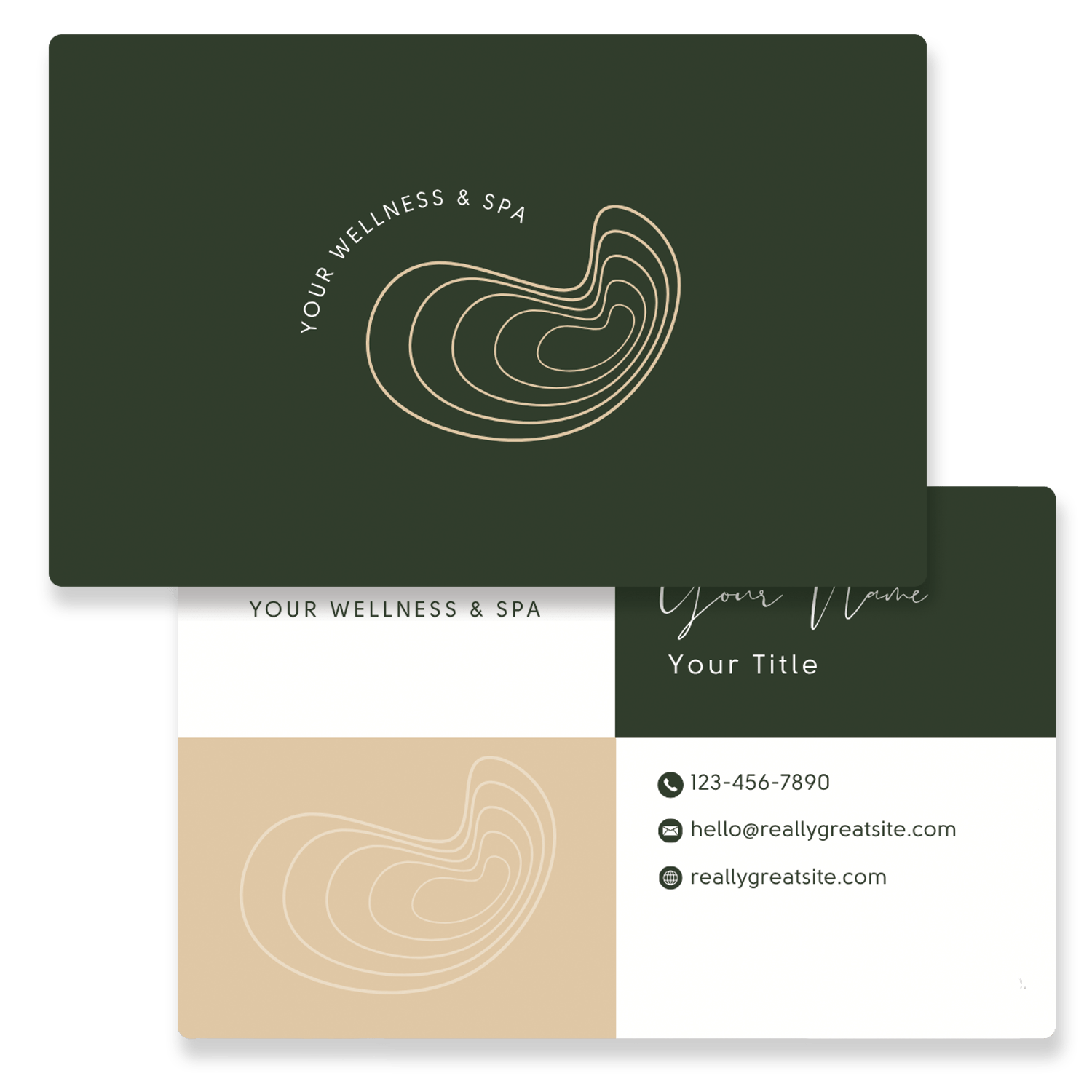
Dark Green Spa Business Card
Click for access to Canva Template
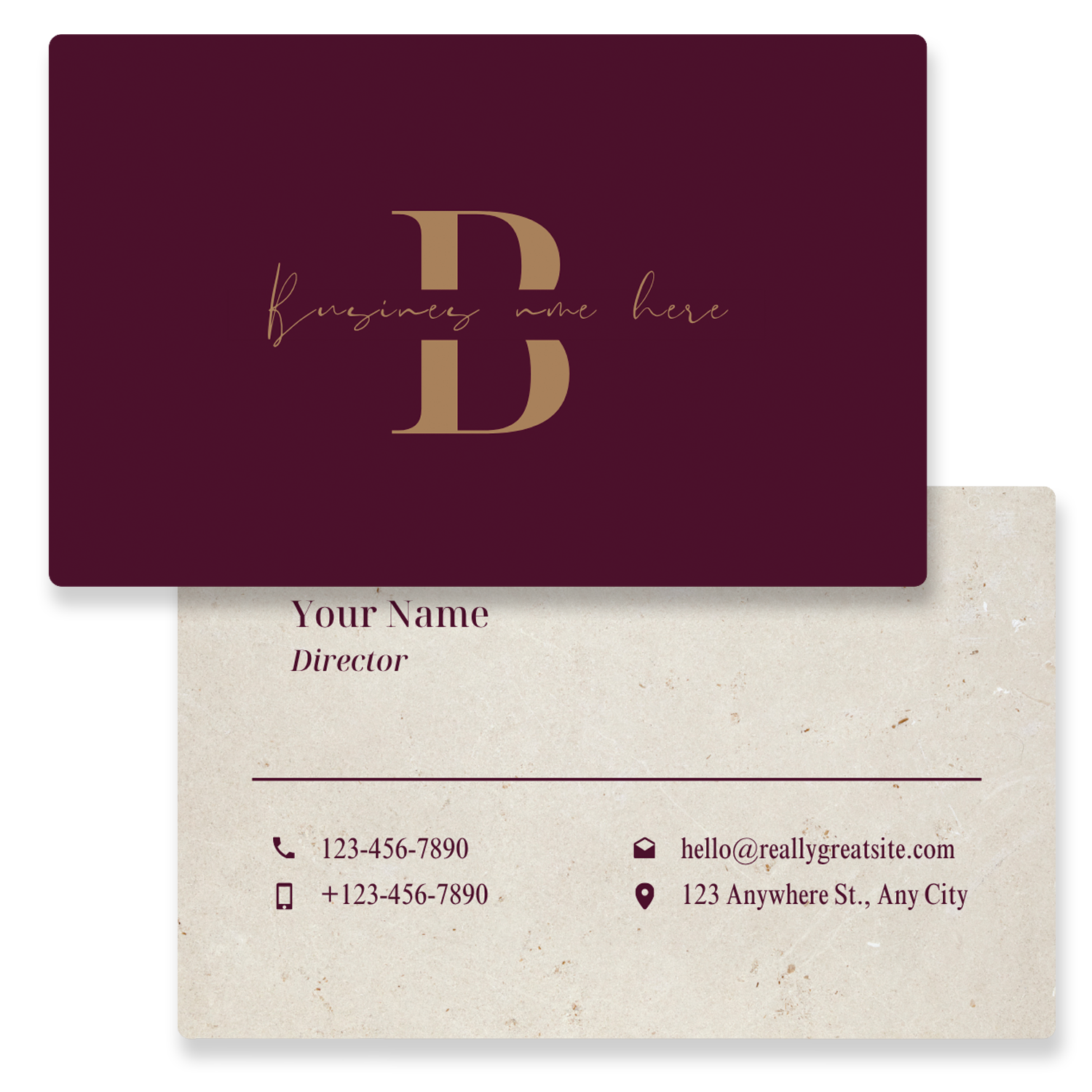
Bold Beauty Business Card
Click for access to Canva Template
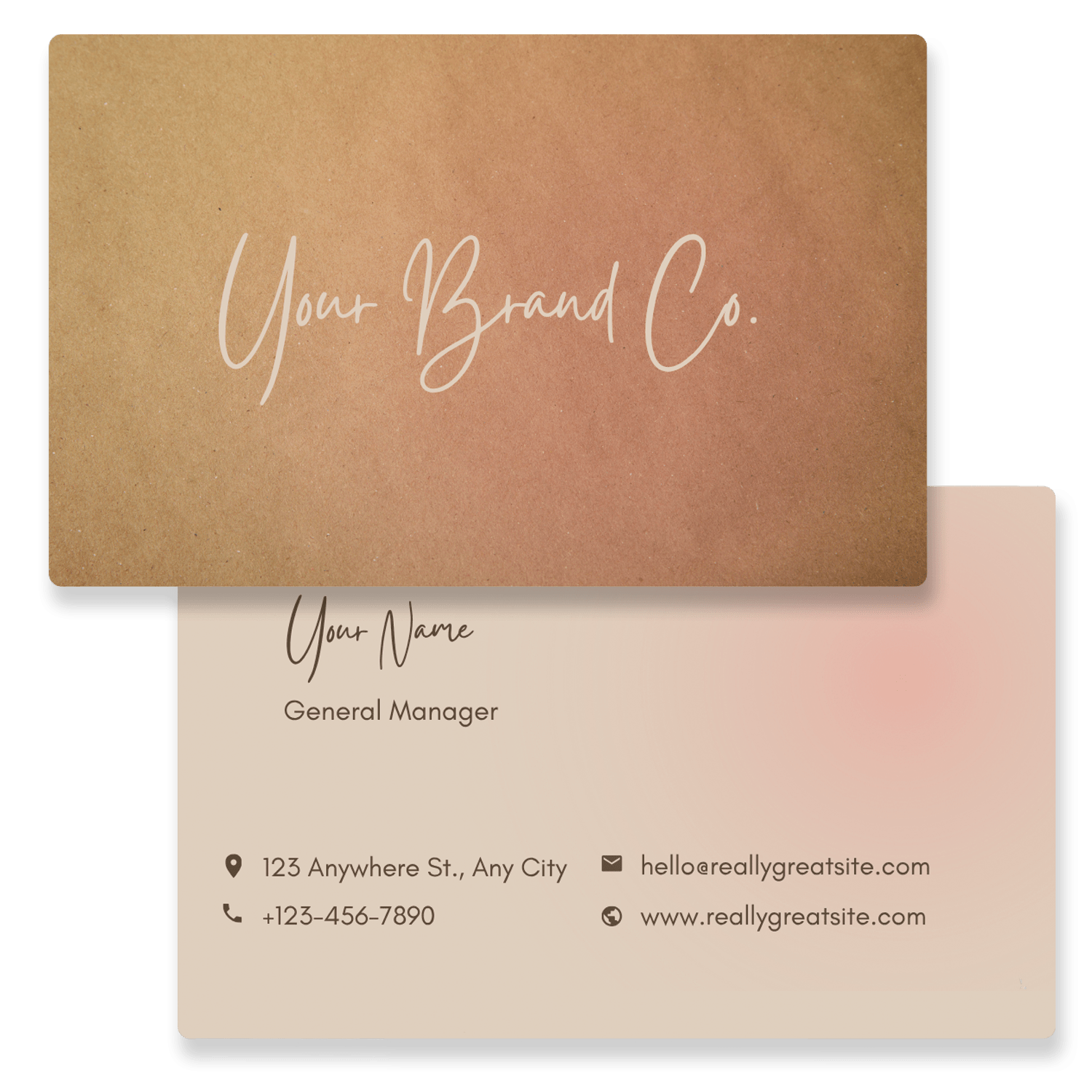
Silky Salon Business Card
Click for access to Canva Template
- Why Print With Creative Plastic Cards?
- How to Customise Your Template in Canva
- Tips for Better Canva Card Designs
Designing is just one step — printing your cards on durable plastic takes your brand to the next level. When you use our Canva templates, you get the best of both worlds: the creative flexibility of DIY design paired with professional-grade printing.
We specialise in:
-
Multiple finishes (matte, gloss, or foil).
- Variable data such as barcodes, numbering and writing panels.
- Magnetic Strip encoding
-
Custom shapes and alternative materials such as Wood and Metal.
-
Fast turnaround and Australia-wide delivery.
With our service, you’ll know your Canva designs are being produced to the highest standard, creating products that not only look great but also stand the test of time.
Editing a plastic card template is quick and easy:
– Open the template on the Canva page.
– Add your branding elements such as logos, colours, and taglines. Replacing placeholder elements.
– Adjust fonts and layouts to match your style.
– Share > Download as a high-quality, print-ready PDF. Remember to add crop in bleed in the download process and choose CMYK, this is best for printing.
– Email it to us at Creative Plastic Cards, along with your quantity and we’ll take care of the rest.
This process gives you complete creative freedom while ensuring your final product is ready for professional printing.
1. Keep it Simple
Avoid cluttered designs. Focus on a clean layout with a clear message. Too many fonts or images can make your card look busy and distract from your brand.
2. Use High-Quality Images
Always choose high-resolution images and logos. Canva lets you upload your own files — make sure they are sharp enough for printing on plastic cards.
3. Stick to Your Brand Colours
Consistency is key. Use your brand colours for backgrounds, text, and accents. This creates a strong connection with your customers.
4. Choose Readable Fonts
Select fonts that are easy to read at small sizes. Avoid overly decorative fonts for essential information like names, numbers, or terms.
5. Mind the Margins and Bleed Areas
When designing in Canva, leave enough space around the edges. Plastic cards require a small “bleed” area to avoid cutting off important details.
6. Test Your Designs Digitally
Before printing, preview your card in Canva and check that all elements are aligned, readable, and visually balanced.
7. Use Templates as a Starting Point
Canva templates save time but feel free to customise them to meet your business needs. Add your own images, logos, and colours to make the design truly yours.
8. Include a Clear Call-to-Action (Optional)
For gift cards or loyalty cards, a simple line like “Redeem at checkout” or “Scan to earn points” can make your card more engaging.